Haskell Agent

Software development agents for teams

Delegate software work to AI agents.

Assign features, bugs, and investigations to agents that work in your repositories and return tested, reviewable results. Give every team one workspace while your organization controls the models and tools behind it.

  • Works in your repositories
  • Implements and tests changes
  • Built for human review
The Haskell Agent macOS app showing repositories and sessions in the sidebar next to a finished task summarizing its changes, verification, and workspace state, with a link to the opened pull request
Features, fixes, and investigationsAgents work in real repositoriesTested, reviewable resultsOne platform for every team

Use cases

Give agents real engineering work, from new features and bug fixes to refactors and documentation, and review the result before it ships.

Features and improvements

  • Describe the change and attach the repository
  • The agent reads the code, implements, and runs the tests
  • Get back a pull request with the full activity to review
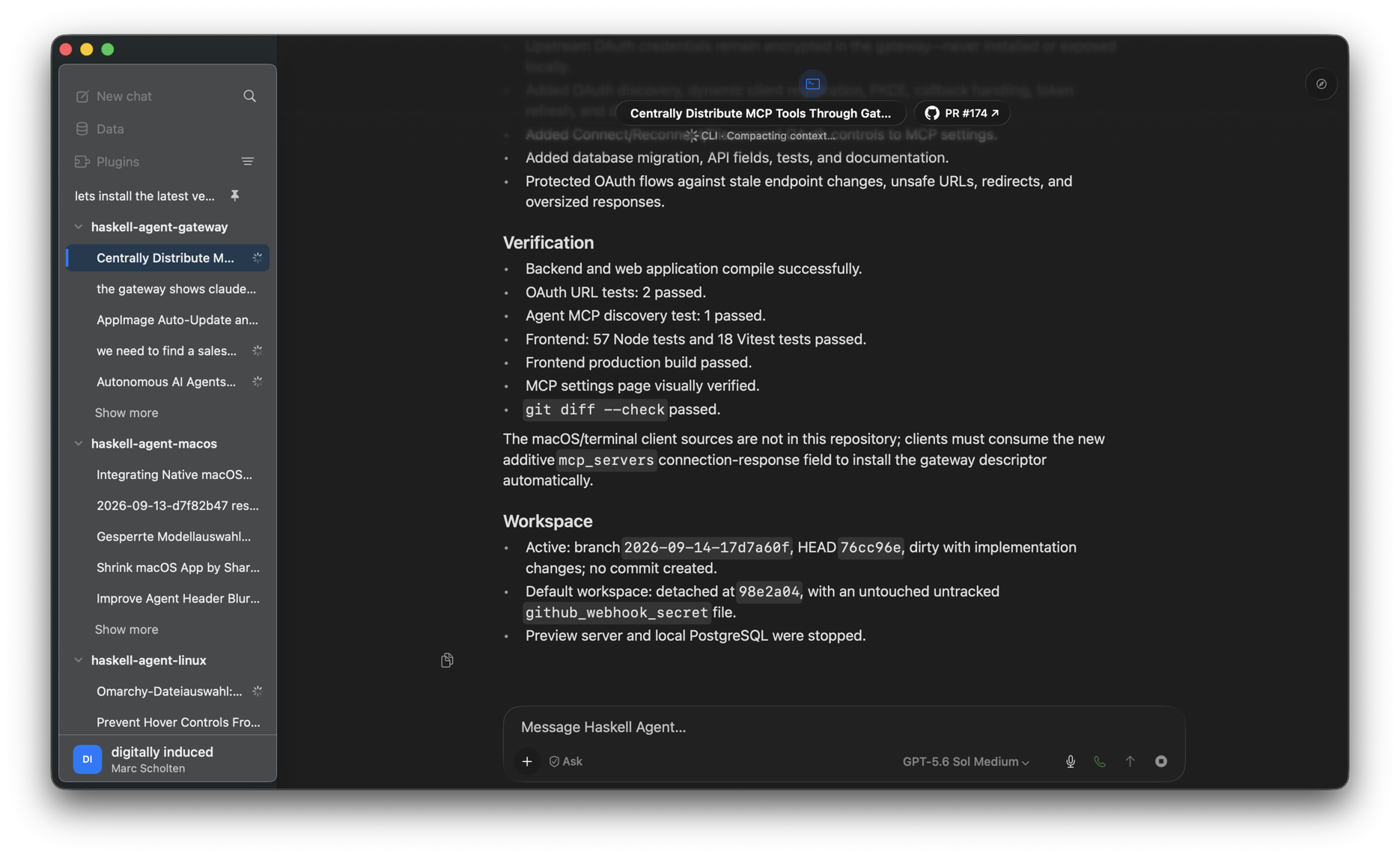
The Haskell Agent macOS app showing a finished task with its verification results and a link to the opened pull request

Documentation

  • Document unfamiliar systems from the code itself
  • Keep READMEs, changelogs, and agent guides up to date
  • Explain a code path before your team changes it

Refactors and migrations

  • Split large modules, rename types, and propagate changes
  • Move dependencies and upgrade frameworks step by step
  • Every step is tested and left as a reviewable commit

Bug investigation and fixes

  • Hand over a bug report, failing test, or incident
  • The agent traces the cause and keeps the evidence in the session
  • Approve the fix, or ask for a different approach
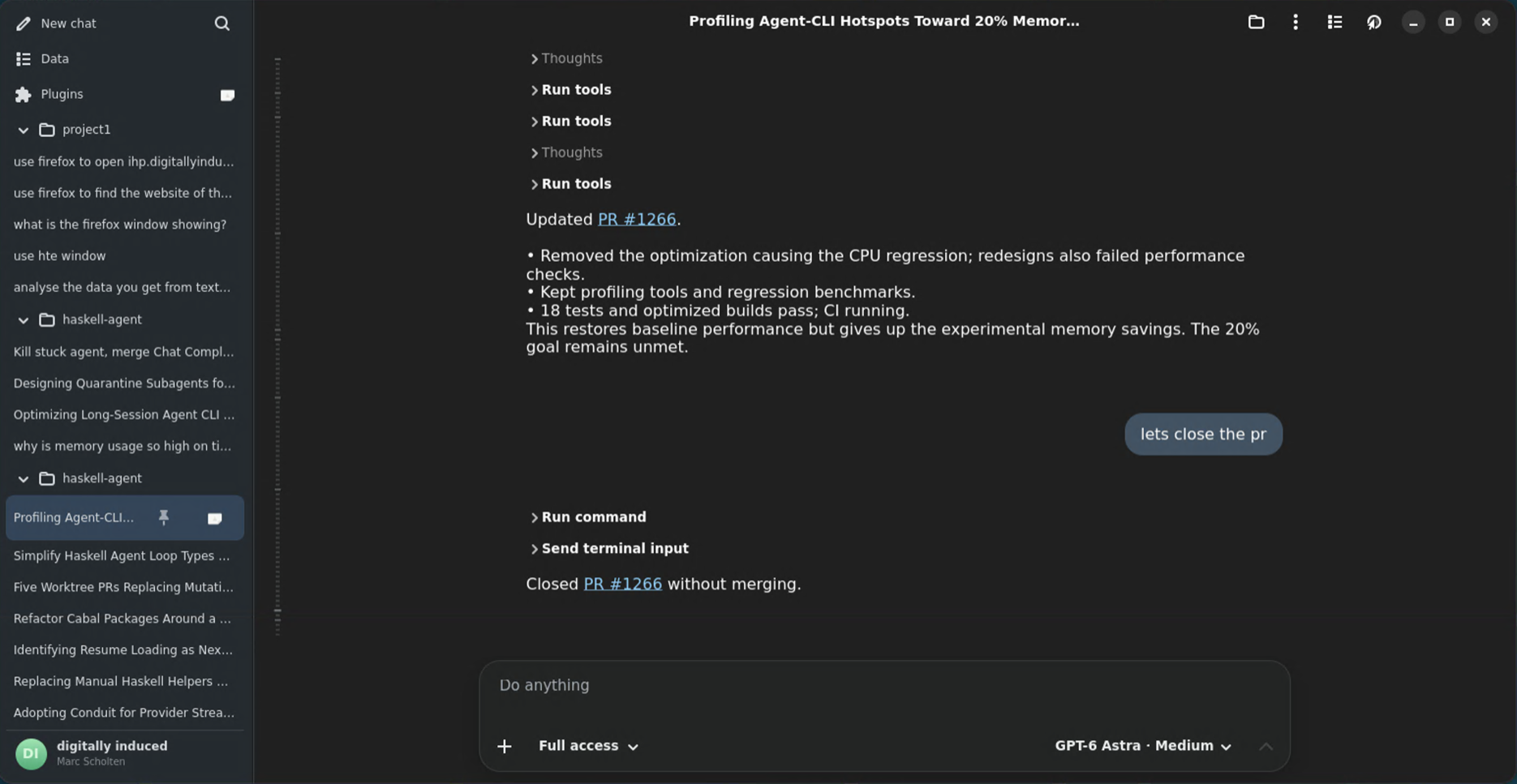
The Haskell Agent Linux app showing an agent reporting on a performance regression, the tests it ran, and the pull request it updated

Pull request review

  • Ask an agent to review a pull request link
  • Get a summary of the change and concrete findings
  • Let it apply the agreed fixes on the same branch
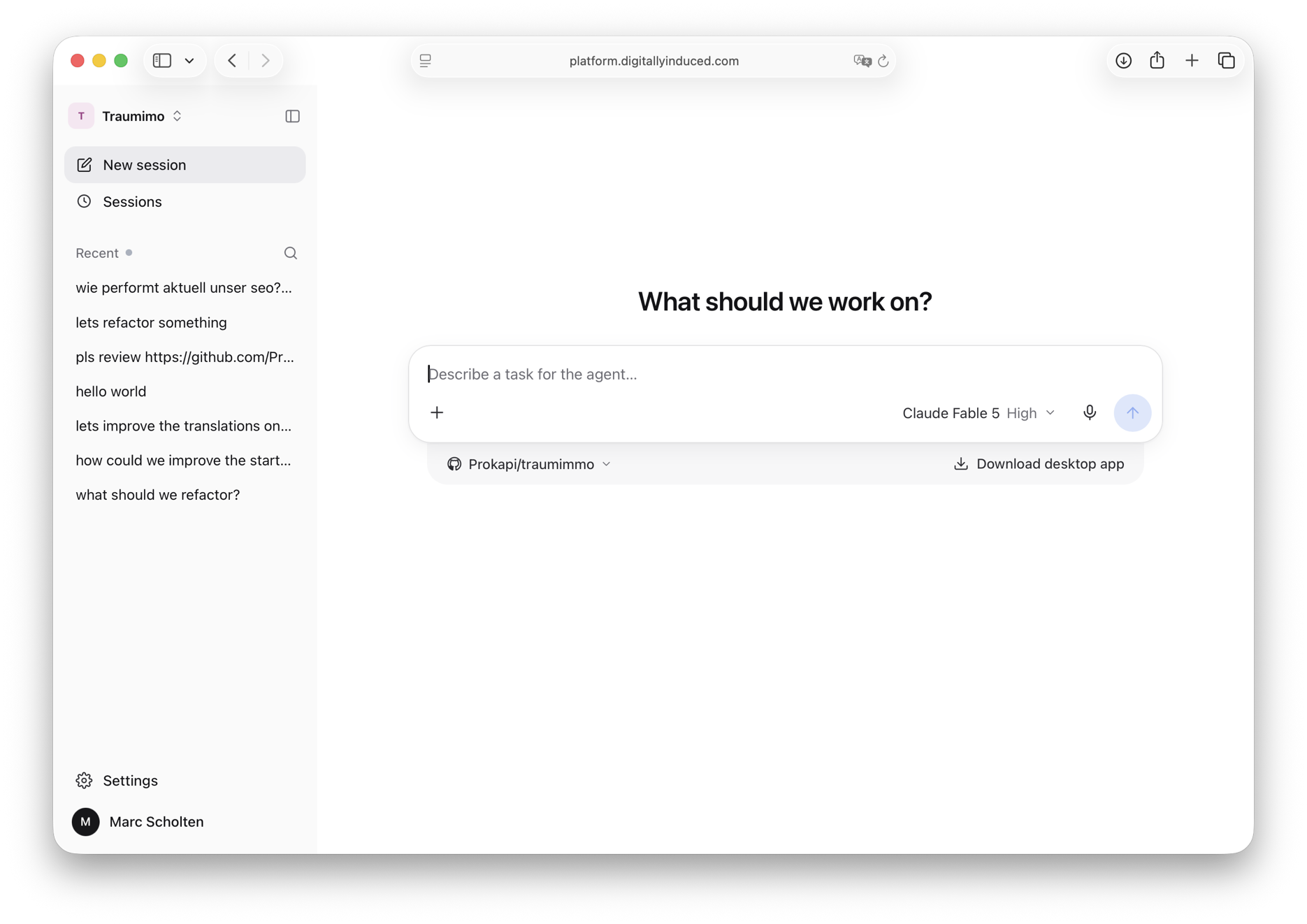
The LLM Router web workspace with recent sessions, including a request to review a pull request, and a prompt to describe a new task

And many others

  • Unit and end-to-end tests
  • Performance profiling
  • Dependency and CI maintenance
  • Codebase questions and onboarding
  • Browser research and repetitive tasks

The agent workspace

One platform, every surface your team works on.

Start tasks from your desktop, browser, or phone. Follow progress, respond when a decision is needed, and review the result with the complete working history intact. The open-source haskell-agent harness brings local agent work into the same team workspace.
The Haskell Agent macOS app showing a sidebar of repositories and sessions next to a finished task summarizing its changes, verification, and workspace state, with a link to the opened pull request
The Haskell Agent Linux app showing a sidebar of projects and sessions next to a conversation where the agent updated a pull request, reported test results, and then closed the pull request on request
The LLM Router web workspace in a browser, showing an organization's recent sessions in the sidebar and a new session prompt asking what to work on, with a repository and model selected
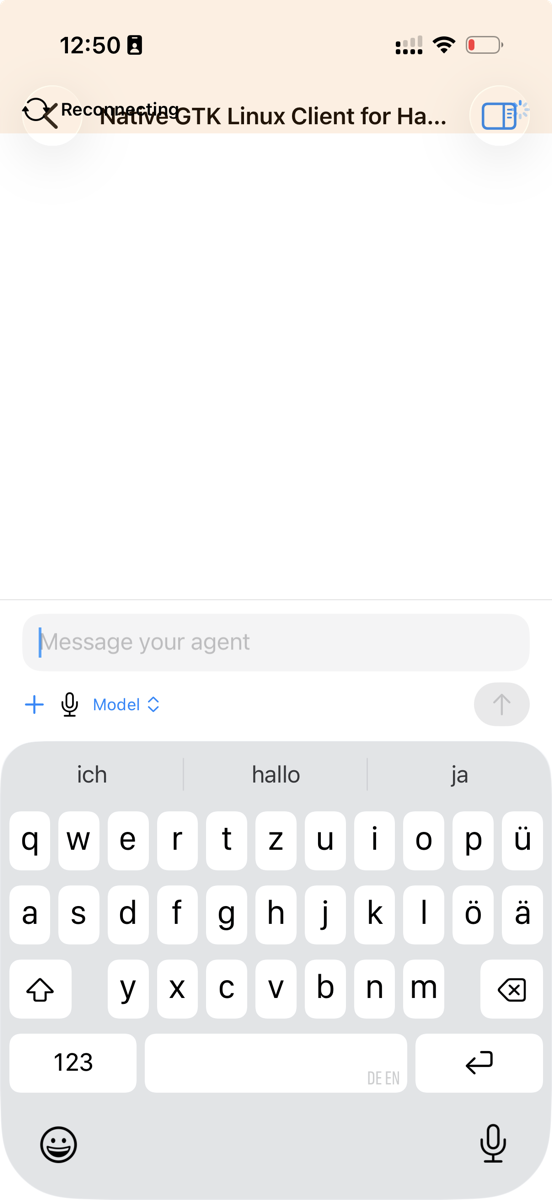
The Haskell Agent iOS app with a session open and the message composer ready to send a task to an agent
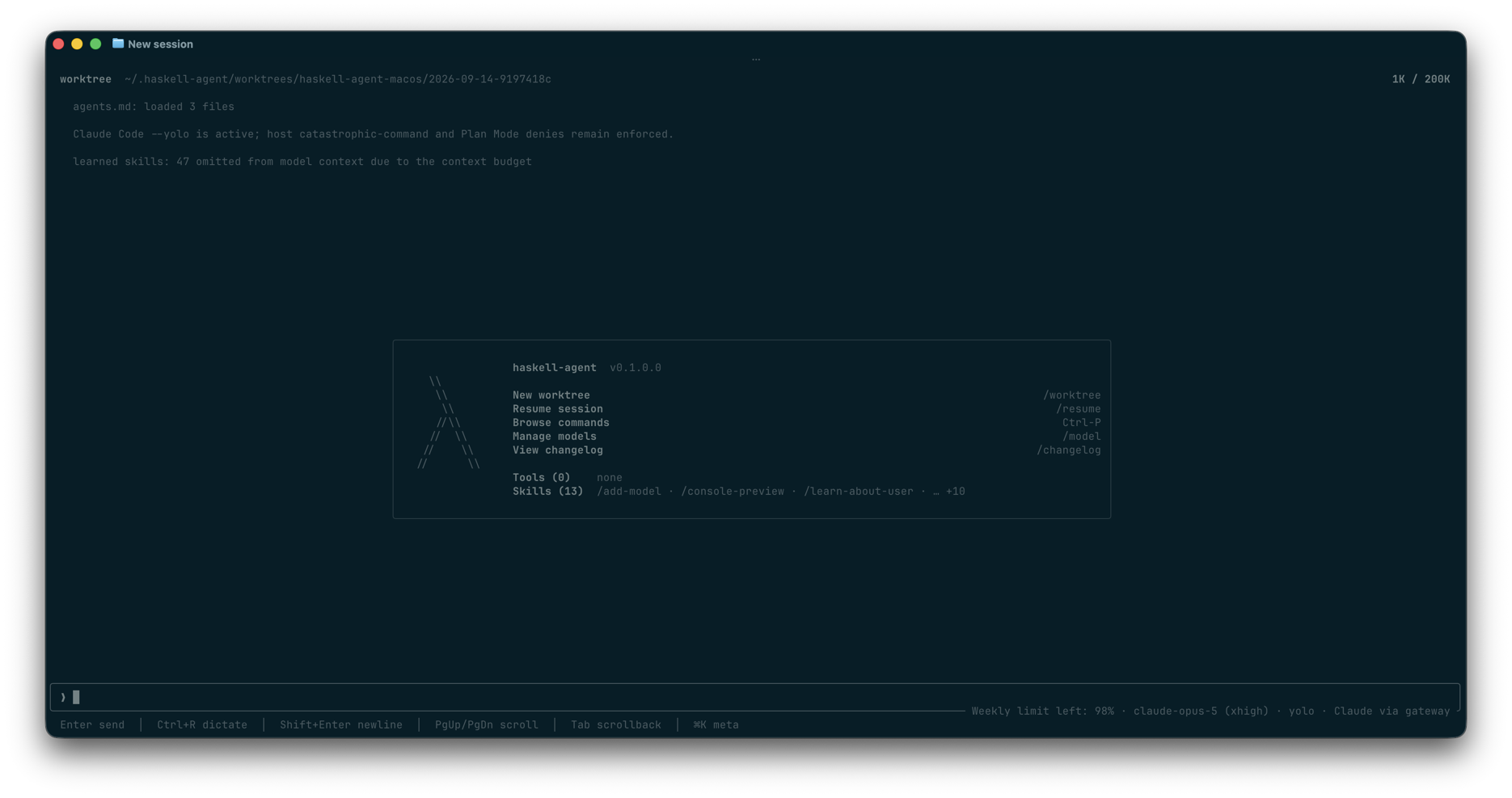
The haskell-agent terminal harness at the start of a new session, showing the worktree, loaded agents.md files, the command list, and the model and usage status line

Built for organization-wide deployment

Give every team agents.
Keep one control plane.

Deploy software agents without creating a separate AI stack for every engineering team. Administrators manage the shared capabilities; engineers choose the right agent and focus on the work.

01

Models and capacity

Connect multiple providers and pool subscription capacity across your organization.

02

Tools and knowledge

Manage repositories and approved MCP servers centrally for authorized agents.

03

Access and ownership

Organize users and resources so the right teams can reach the right capabilities.

04

Usage and adoption

See model usage across users and providers, then manage shared capacity with evidence.

From first task to every team

Start with one repository. Scale without fragmentation.

01 / Connect

Connect your engineering stack

Connect model providers, repositories, and approved MCP tools. Keep configuration in one organization-managed platform.

02 / Prove

Delegate a concrete task

Start with a feature, defect, or investigation whose activity and result your engineers can inspect and review.

03 / Grow

Scale what works

Follow usage, adjust access and capacity, and add approved tools as more teams find valuable work for agents.

People define the goalAgents execute the workTeams review the resultAdmins govern the system

Software agents, ready for the organization

The agent workspace engineers want. The control companies need.

Give engineering teams a direct way to delegate software work while models, tools, access, and usage remain visible and manageable across the organization.

Software agent platformshared + governed
01Agents + workspaceweb, macOS, open source
02Modelsmultiple providers
03Tools + contextrepositories and MCP
04Governanceaccess and usage
Team workspaceAdmin controlsShared foundation

Delegate the next task

Put software agents to work.

Connect a repository, choose a feature or defect, and review what the agent delivers.